QuickTake: On GAAD, Apple's accessibility push shines - but with one AI catch
But what if you have Apple Intelligence switched off?

Accessibility is something I’ve tried to champion for years. Whether that was from news pieces and features, I went ahead despite being told that ‘they don’t bring in traffic’. Frankly, I thought and still think that as bollocks. Sometimes you should do something simply because it’s the right thing to do, not so it can group up links to a bunch of buyer's guides.
Writers like Steven Aquino and his site, Curb Cuts, are incredible at highlighting accessibility efforts for companies - and it’s something that Apple continues to succeed with. Granted, my thoughts towards the company in 2026 are a far cry from how I’d write about them in 2022 for obvious reasons. However, their yearly May announcement of new accessibility features coming in the upcoming software updates is always something I look forward to, and this year was no different.
On May 19, Apple revealed a bunch of new and improved accessibility features that seem fantastic, all of which are set to arrive in iOS 27, iPadOS 27, and the rest. As today (May 21) is Global Accessibility Awareness Day (GAAD), I wanted to highlight a few that I’ve seen from the press release.

Reading the press release, you'll find many of these features powered by Apple Intelligence, the company's way of describing its AI LLM. My anti-AI stance will always remain as companies use it to drain Earth's resources and rid countless people of their careers and reputations. Yet I've always said that one day, I hope a form of AI can help bolster accessibility in some way. These new features look to do that, and more.
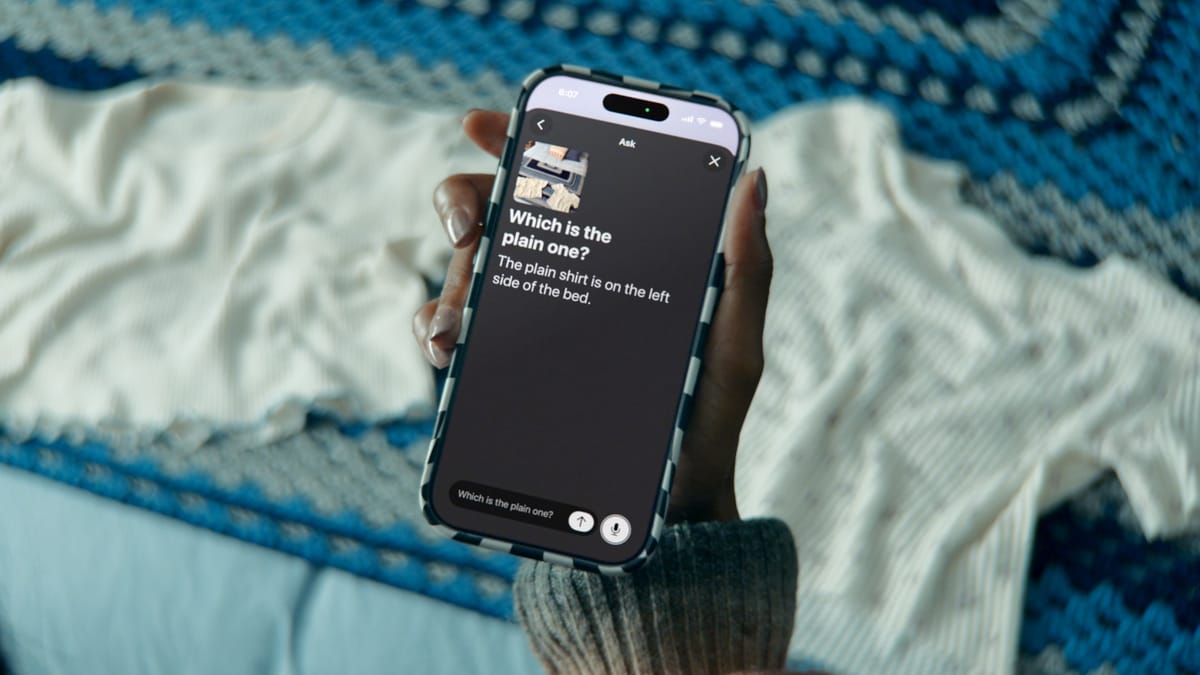
Take Image Explorer in VoiceOver - a user can hold their iPhone or iPad over an object, and they'll now get far more detailed descriptions of what's in front of them. Or an improved Voice Control that can take users to certain folders by describing how they look.
It's all very impressive. The only catch I see is having to enable Apple Intelligence. I've had it switched off on my devices running release builds of software because it currently offers no benefit to me or many others. So what would happen to someone with accessibility needs who wants to use these upcoming features, but the Apple Intelligence toggle in Settings is off?
It's also great to see some features being showcased for those who use power wheelchairs and own an Apple Vision Pro. Being able to control this with eye-tracking is nothing short of impressive - the only barrier is Vision Pro itself, with its incredibly high price of $3,499 / £3,199.
Finally, the Sony Access controller can soon be used with iOS, iPadOS, and macOS. Users can assign the thumbstick, nine built-in buttons, and up to four additional external buttons or specialty switches to personalize the layout that best suits them. This means that even apps like Delta can be used with the controller, which is great news.
Accessibility should always be one of the first topics considered, and I've always thought that for AI, it would be a perfect partnership to help a user live independently. These updates look like great examples of that, but I hope it doesn't require someone to have Apple Intelligence fully enabled in order to use them. Nevertheless, Apple announcing a bunch of accessibility features before WWDC, which it's been doing for the last few years, is very welcome.
Thanks for reading.